

Beyond the chainsaw
Tools for Chainsaw Carving
Block out the form. Bring out the character.
The chainsaw establishes the silhouette. Kutzall helps you refine the curves, carve expressive features and add the texture that makes a large carving come alive.

A tool for each stage
Match the tool to the shape.
Choose the stage you are working on, then match the tool to your machine.
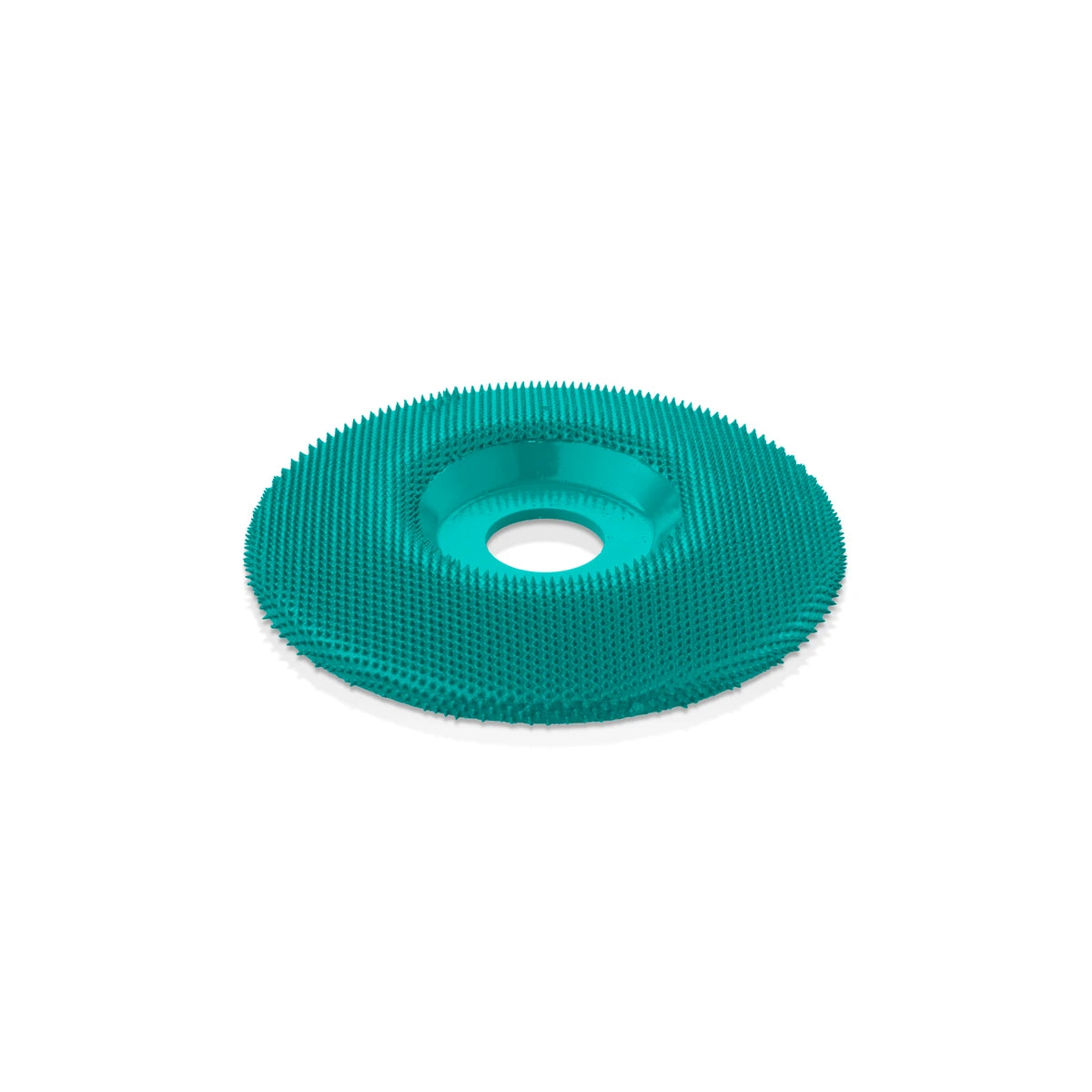
Blend broad surfaces
4½″ wheel · Compatible angle grinders
Work across open areas to soften chainsaw marks and refine the larger contours.

Develop larger features
1/4″ shafts · Compatible die grinders + flex shafts
Use larger burr profiles for fast removal, deeper recesses and pronounced texture.

Add the finer character
1/8″ shafts · Small rotary tools
Choose smaller profiles for facial features, fur, feathers and tighter detail.

Refine by hand
Hand tool · No power tool needed
Use the flat and rounded faces to blend transitions and shape the final surface.
Check the fit before you carve.
Use wheels with a compatible angle grinder and burrs with a suitable rotary tool, die grinder or flex-shaft tool. Match the shaft or arbor, accessory size and rated speed to your machine. See each product’s fit requirements before choosing.
Tools for the work
From chainsaw marks to finishing touches.
Shape broad surfaces with a wheel, refine features with burrs, then blend and finish by hand. These four tools cover the next stages of your carving.
Find your carving tool
4½″ Extreme Shaping Disc
Refine broad surfaces and blend chainsaw marks into flowing contours.
3-Piece Very Coarse Kit
Remove material quickly and develop larger features with three burr profiles.
5-Piece Variety Kit
Carve smaller features, fur and feather details with five 1/8-inch shaft profiles.

Made to inspire
Big forms. Remarkable character.
From flowing antlers to expressive faces and layered feathers, see how makers bring large carvings to life.

Flowing form + negative space
@chainsaw_spirit
Wildlife with personality
@jeffmayart
Fur that follows the form
@carvedbyheart
Refining the expression
@jesculpture
Feathers with depth + flow
@tmcustomcarvings
Texture meets bold identity
Swipe to explore all six carvings →
From log to finished carving
Block out. Refine. Finish.
Establish the main form with your chainsaw, then work through the contours with a shaping wheel or larger burr. Move to smaller profiles for features and texture, checking the form from different angles as you go.
Kutzall tools can shape hardwoods, softwoods and green wood. Adjust pressure and direction as grain and moisture change, and test on an offcut. Use lighter passes to refine the surface, then hand-rasp or sand where you want a smoother finish.
Inside the workshop with Mitchell Federico
Watch the Legacy Lumbers chainsaw artist at work.
Chainsaw carving FAQs
When do I switch from the chainsaw to Kutzall?
Once the main silhouette and larger forms are established, use a shaping wheel or burr to refine contours, blend saw marks and develop features. Move to smaller profiles as the detail gets finer.
Which power tool should I use?
Wheels fit compatible angle grinders. Burrs work with suitable rotary tools, die grinders and flex-shaft tools. Match shaft or arbor size, accessory dimensions and speed ratings to your machine and the individual product.
Can I use Kutzall on green wood?
Yes. Kutzall can shape green wood as well as hardwoods and softwoods. The open tooth structure helps resist loading. Adjust pressure to the material, and follow the product’s cleaning guidance when buildup occurs.
Can I remove chainsaw marks and still keep texture?
Use a wheel or larger burr to blend unwanted ridges, then refine selected areas with smaller profiles. Leave intentional grooves for fur, feathers or scales, and hand-finish or sand the areas you want smooth.

